Guides
Install Cobblemon on Java
A clean, start-to-finish install of Cobblemon 1.8.1 on Fabric or NeoForge, with the two library mods most people forget.
 Cobblemon Mod Editorial Team
6 min read
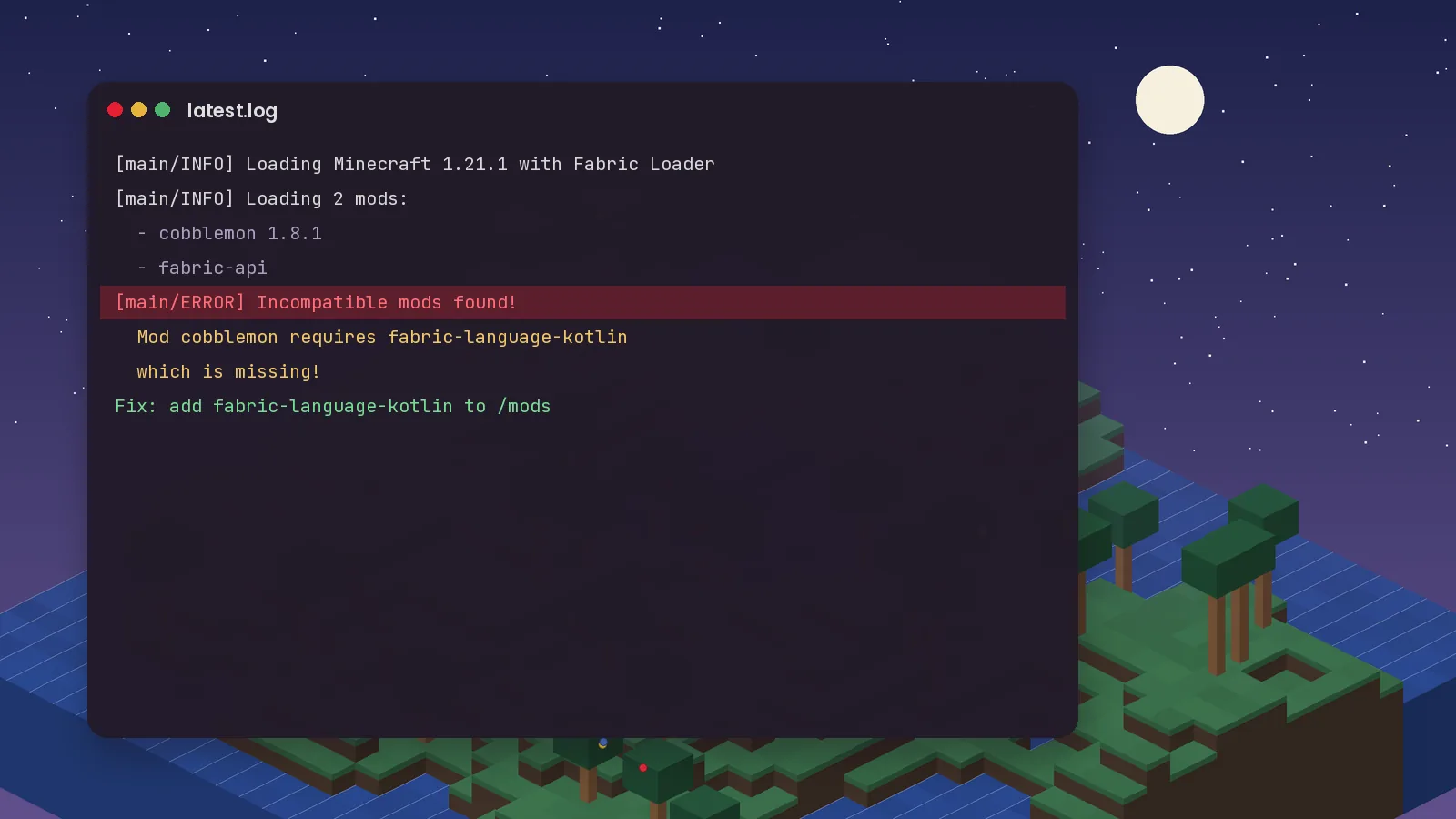
A crash on the loading screen is frustrating, but Cobblemon crashes are rarely mysterious. The game almost always tells you what went wrong. You just need to know where to look.
Open your .minecraft folder. The logs/latest.log file records every launch, and crash-reports holds a detailed report when the game fully crashes. Search for the words ERROR, requires or incompatible. The lines near those words usually name the culprit.
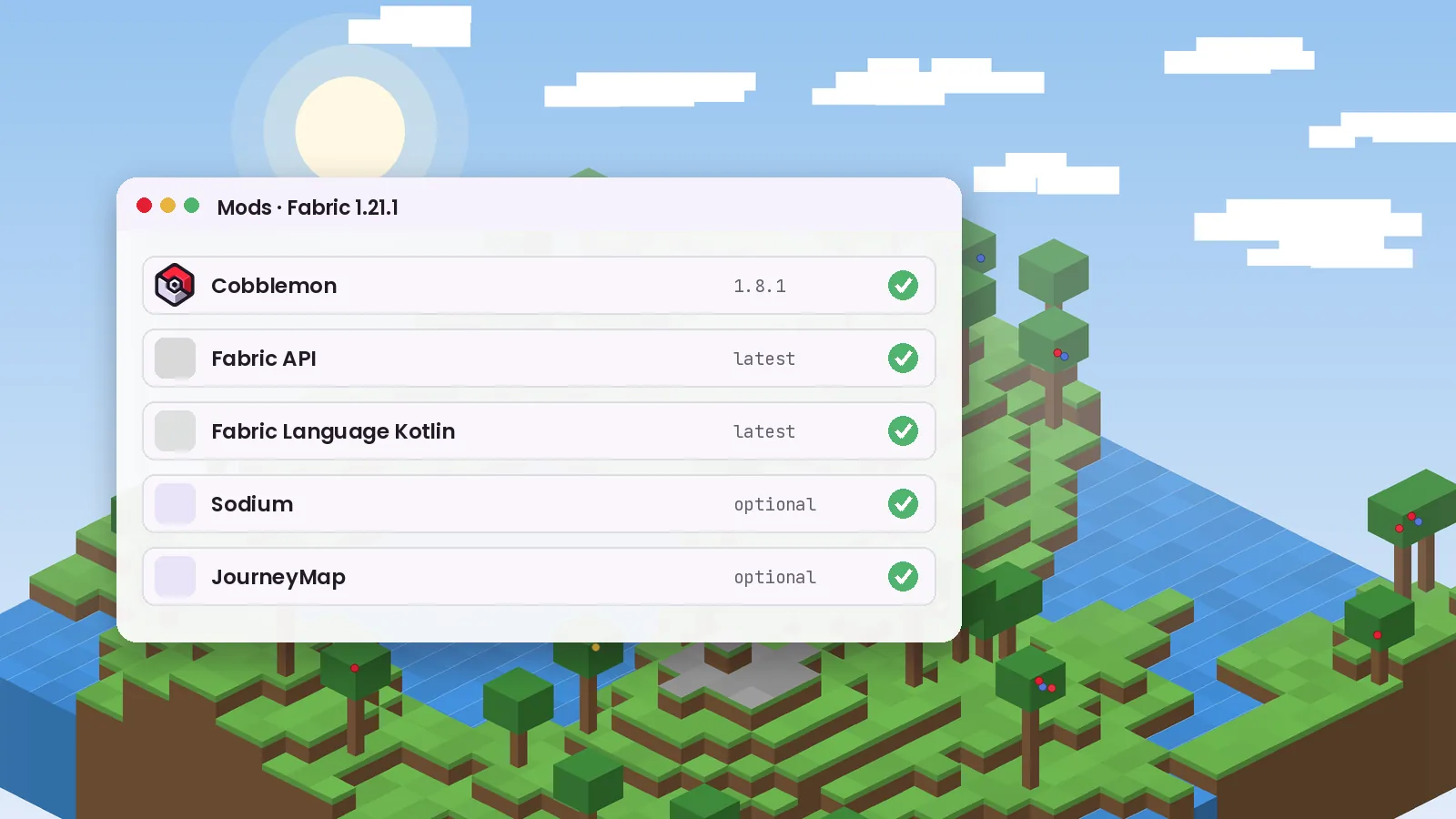
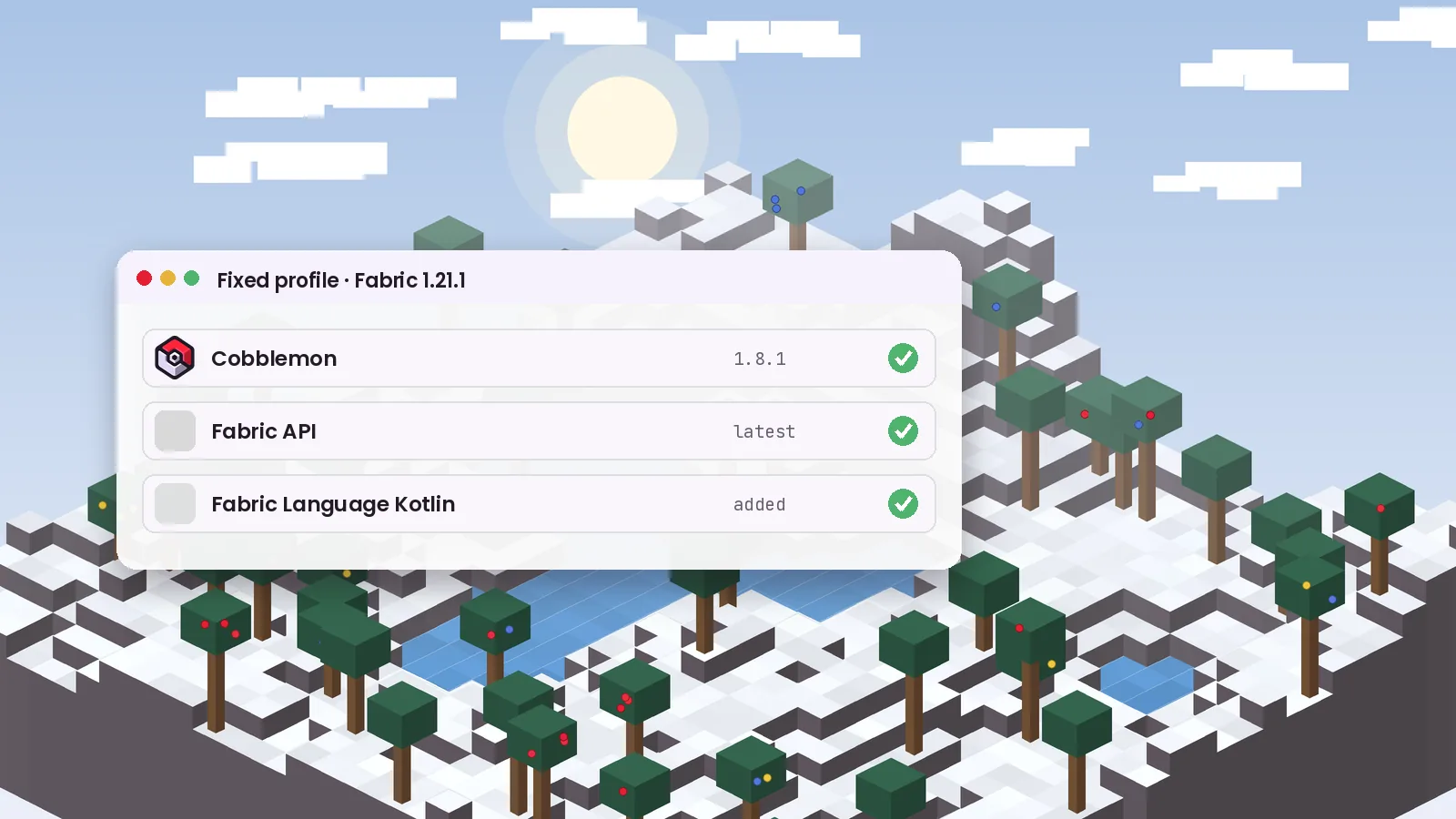
This is the most common problem. Cobblemon is written in Kotlin and needs a library to run. On Fabric add Fabric Language Kotlin. On NeoForge add Kotlin for Forge. The log message usually says the mod "requires" one of these.
Cobblemon 1.8.x runs on Minecraft 1.21.1 only. A jar built for 1.20.1 will not load on 1.21.1, and the reverse is also true. Check the version on each file's download page.
Fabric and NeoForge builds are different files. If your log mentions a loader you are not using, you downloaded the wrong build. Delete it and grab the matching one from the download page.
Minecraft 1.21.1 needs Java 21. The official launcher handles this, but third-party launchers sometimes point to an older Java install. Look for "UnsupportedClassVersionError" in the log, then set the launcher to Java 21.
An "OutOfMemoryError" or a freeze when many Pokémon load at once means the game needs more RAM. Raise it to 4 GB, or 6 GB for large modpacks. Do not allocate more than about half of your system's total memory.
If the log names another mod, remove it and test again. Performance mods and shader loaders are frequent suspects after a Cobblemon update, usually because they have not updated yet. Test with only Cobblemon and its libraries, then add other mods back one at a time.
config/cobblemon folder to reset settings. The game recreates it.If none of this helps, report the issue on the official Cobblemon issue tracker with your full log attached. Our installation page and FAQ cover more edge cases.
Keep reading with these hand-picked guides from the same topic.
A clean, start-to-finish install of Cobblemon 1.8.1 on Fabric or NeoForge, with the two library mods most people forget.
Searching for a Cobblemon APK or Bedrock download? Here is what actually exists, what is fan-made, and what to avoid.
From the lightweight official pack to bigger adventure builds, these are the Cobblemon modpacks worth your time this year.
Download Cobblemon 1.8.1 for Fabric or NeoForge and follow our guide.