Guides
Cobblemon for PE and Bedrock
Searching for a Cobblemon APK or Bedrock download? Here is what actually exists, what is fan-made, and what to avoid.
 Cobblemon Mod Editorial Team
7 min read
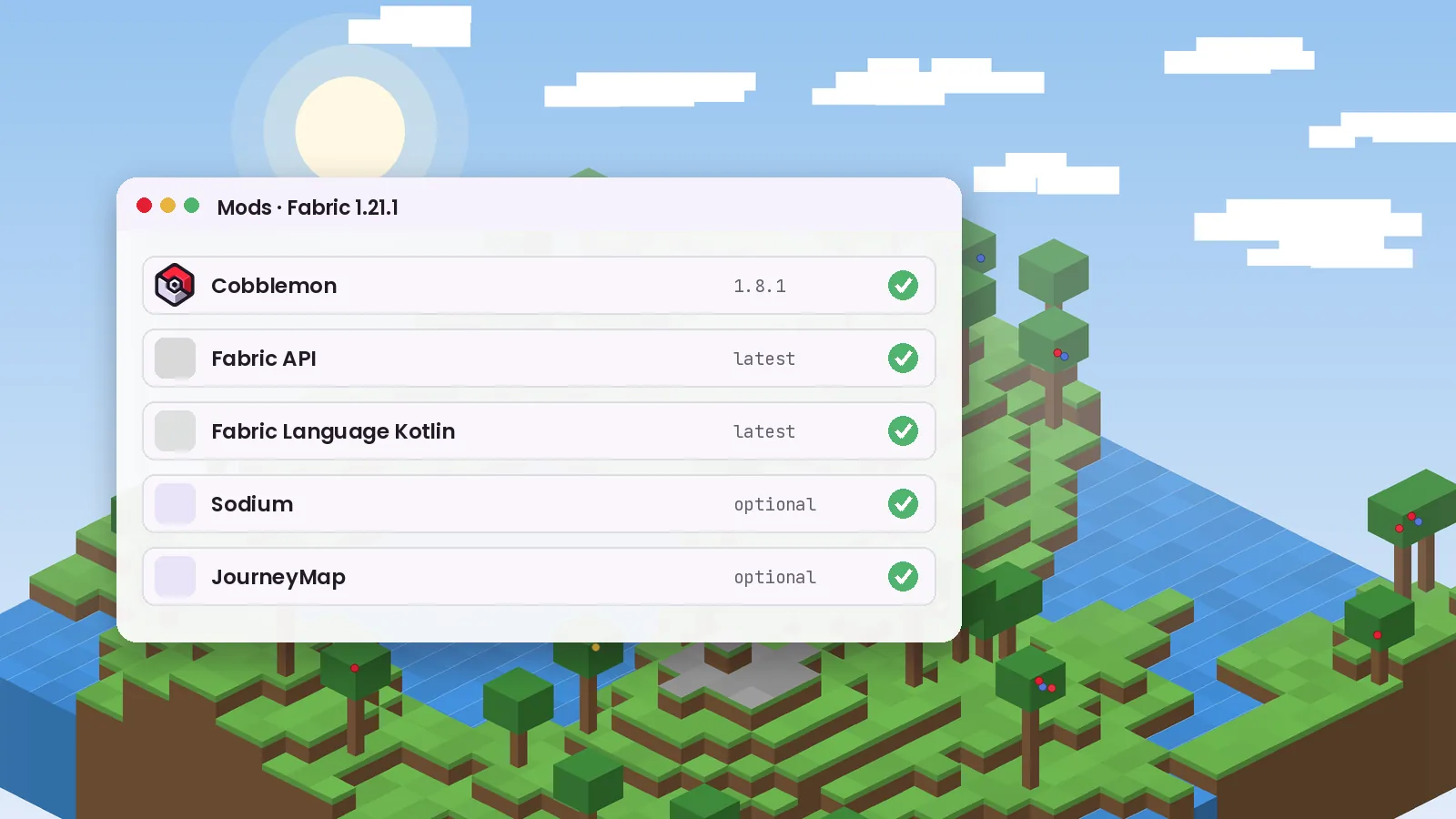
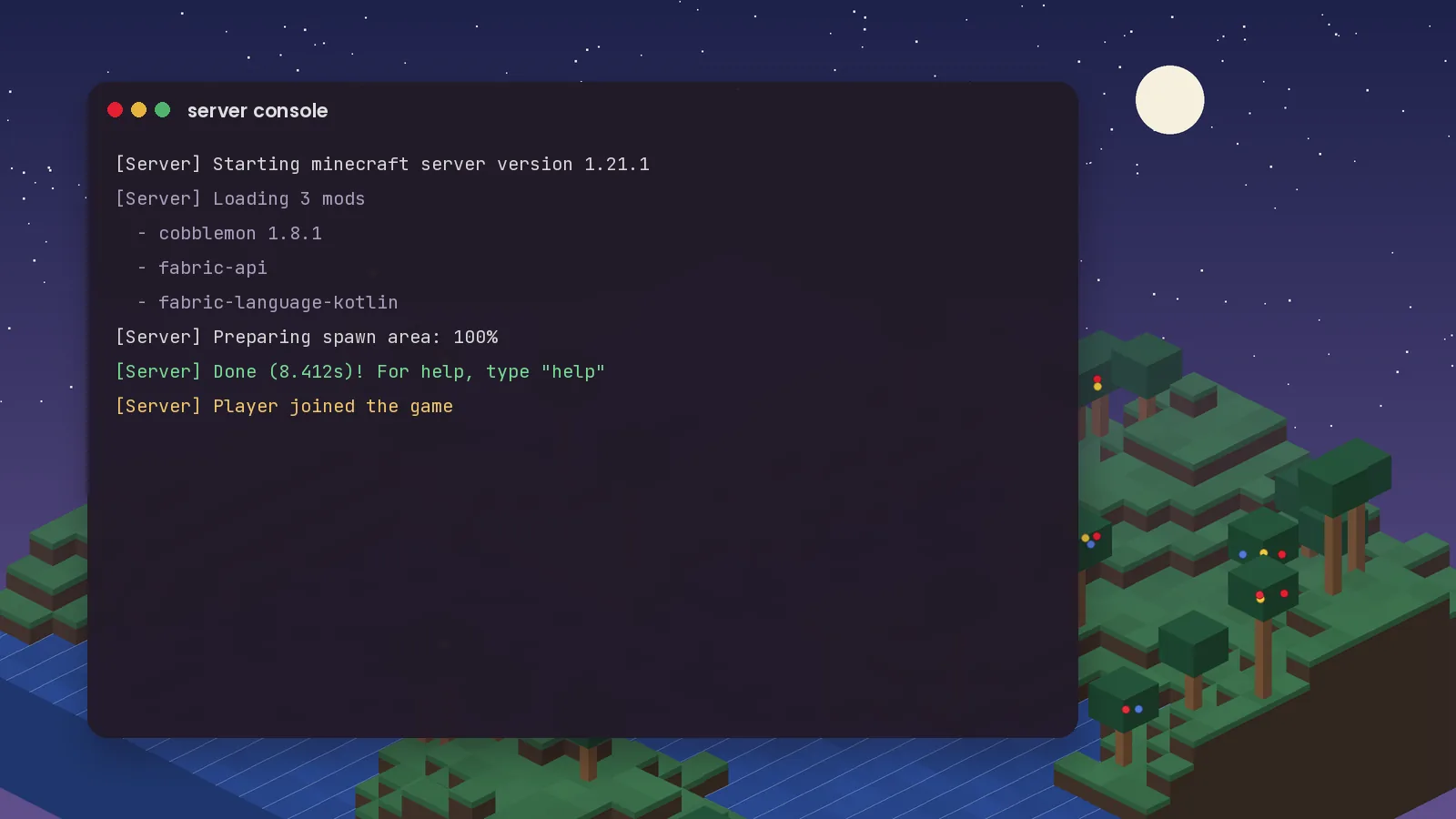
Installing the Cobblemon Mod takes about ten minutes once you know which files belong together. Most failed installs come from one of three things: the wrong Minecraft version, the wrong mod loader, or a missing Kotlin library. This guide walks through a clean setup for Cobblemon 1.8.1 on Minecraft Java Edition 1.21.1.
Cobblemon is a Java Edition mod. It needs three things on your computer before anything else:
If you are unsure which loader to choose, Fabric is the more common pick for Cobblemon players, and the official Fabric modpack has the larger player base.
mods folder.%appdata%\.minecraft\mods and drop all three .jar files into that folder.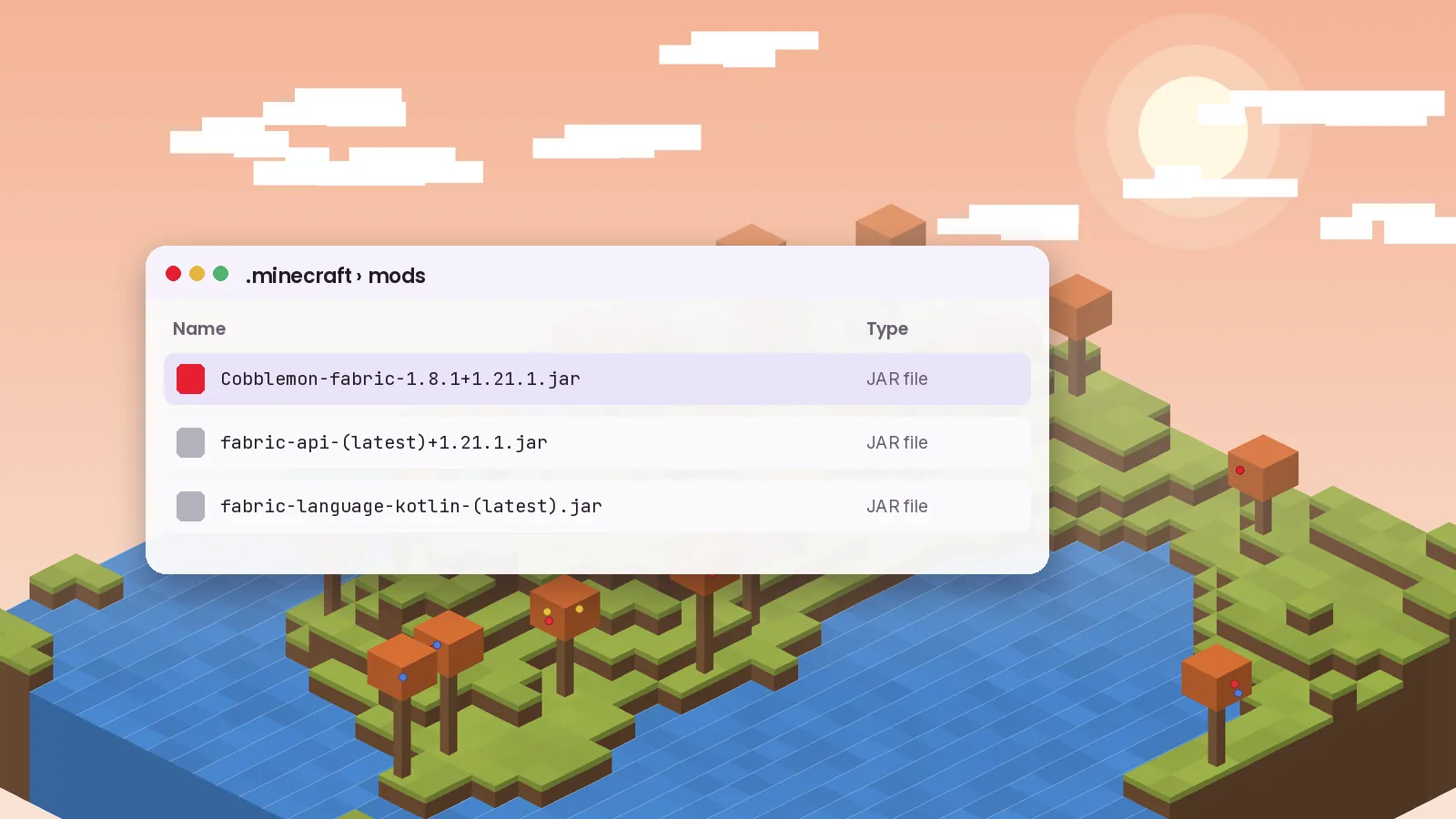
The NeoForge route is almost the same. Run the NeoForge installer for 1.21.1, launch the profile once, and then place the Cobblemon (NeoForge) jar in the mods folder together with Kotlin for Forge. NeoForge does not need Fabric API, and adding it will not help.
Do not mix files. A Fabric build of Cobblemon will not load on NeoForge, and the game usually stops with an error that names the loader it expected.
Cobblemon adds hundreds of animated models, so the default memory allocation can feel tight. In the Minecraft Launcher, open Installations, edit your profile, and under More options change -Xmx2G to -Xmx4G. If you run a larger modpack, 6 GB is a comfortable ceiling for most 16 GB machines.
Create a new world. The first time you join, Cobblemon opens the starter selection screen. Take your time here, because your starter becomes the first member of your party and the only one you get for free. After that, look for apricorn trees, which supply the base material for crafting Poké Balls.
Still stuck? Our crash fixing guide covers the most common log messages, and the installation page has platform-specific notes for macOS and Linux.
Keep reading with these hand-picked guides from the same topic.
Searching for a Cobblemon APK or Bedrock download? Here is what actually exists, what is fan-made, and what to avoid.
Host your own Cobblemon world for friends with the right files, memory and version matching.
From the lightweight official pack to bigger adventure builds, these are the Cobblemon modpacks worth your time this year.
Download Cobblemon 1.8.1 for Fabric or NeoForge and follow our guide.