Guides
Install Cobblemon on Java
A clean, start-to-finish install of Cobblemon 1.8.1 on Fabric or NeoForge, with the two library mods most people forget.
The Cobblemon Mod turns Minecraft Java Edition into a Pokémon-style adventure. Catch creatures, battle trainers, ride your team across the world and build a PC full of rare finds. Download the latest free, open-source release for Fabric or NeoForge below.
A free, open-source Minecraft mod that brings Pokémon-style catching, battling and exploring into Java Edition.
Cobblemon is a Pokémon-inspired mod for Minecraft Java Edition, developed by the Cobblemon team under the CobbledStudios name. It adds hundreds of fully animated Pokémon that spawn naturally across Minecraft biomes, a turn-based battle system, Poké Balls crafted from apricorns, PC storage, healing machines, pastures, fossils and, since the 1.7 series, rideable Pokémon.
The project started in 2022 and grew quickly after its first public releases. Major milestones followed: fossils and restoration, the Pokédex, riding in the 1.7 "Set Course!" update, and in September 2026 the 1.8 "Make Your Move" update with Alpha Pokémon, sizes, TMs and Habitats. The mod is licensed under MPL-2.0 and its source code is public.
Cobblemon exists to blend two worlds without losing either one. Minecraft survival, building and redstone all still work. Pokémon simply live alongside them, which means your base can become a ranch, a gym or a research lab.
Anyone who owns Minecraft Java Edition and wants a long-term adventure: solo explorers, friend groups on a private server, content creators, and server owners building a community around collecting and battling.
Earlier Pokémon mods for Minecraft proved players wanted this experience. The Cobblemon team set out to build a modern version with smooth animations, a battle engine faithful to the source games, and a design that respects Minecraft's own style.
"Cobblemon is the rare mod that changes how you play without replacing what you love about Minecraft. Install it with a curated pack first, then customize once you know what you enjoy."
Nine reasons players keep coming back, from catching and battling to riding across your world.
Wild Pokémon spawn by biome, time and weather, so every expedition feels different. Weaken them in battle and throw apricorn-crafted Poké Balls to add them to your team.
Battles run on a faithful turn-based engine with moves, types, abilities and held items, so strategies from the main games carry over.
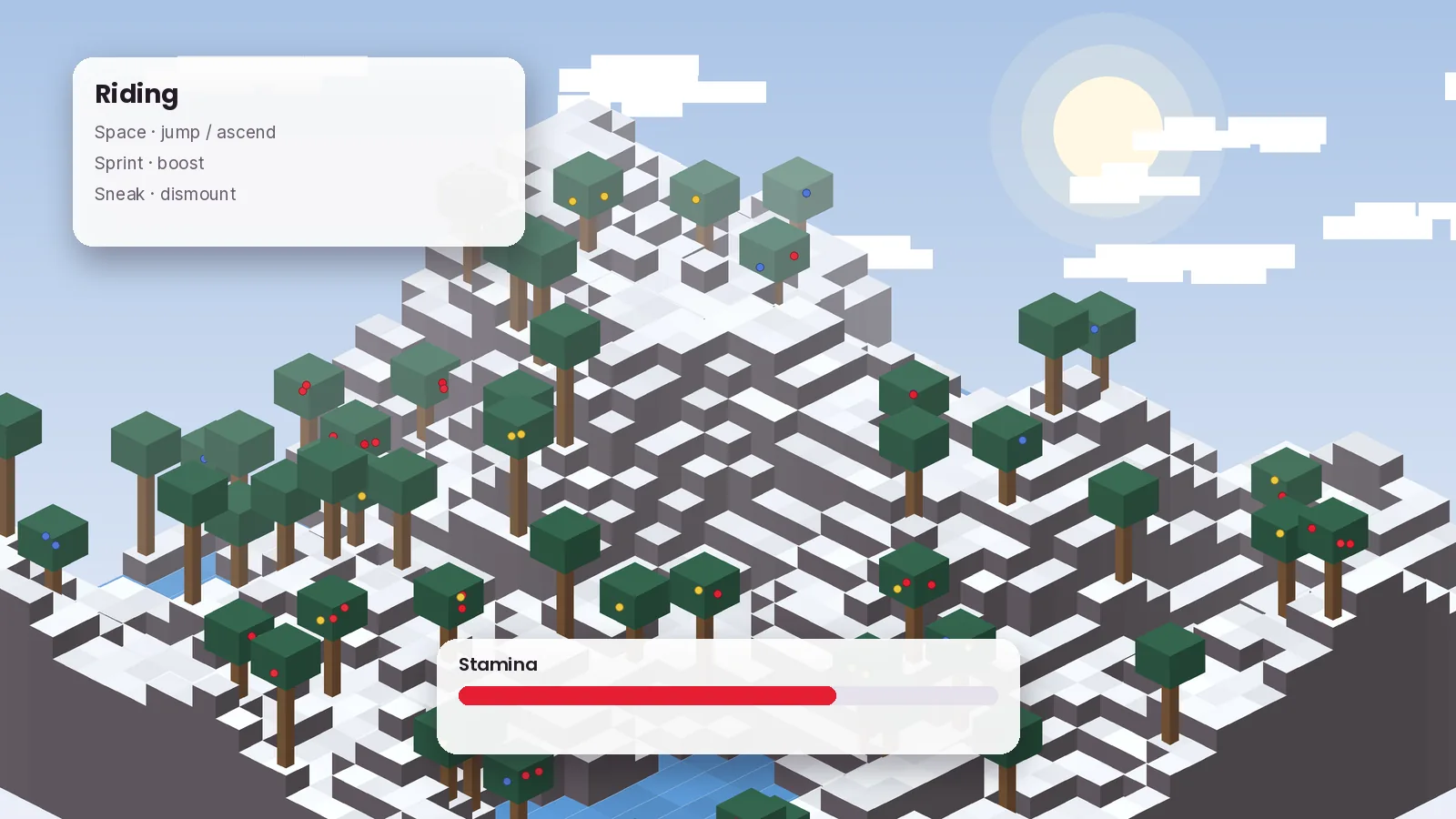
Travel on land, across water or through the sky on rideable Pokémon, with stamina that rewards well-trained mounts.
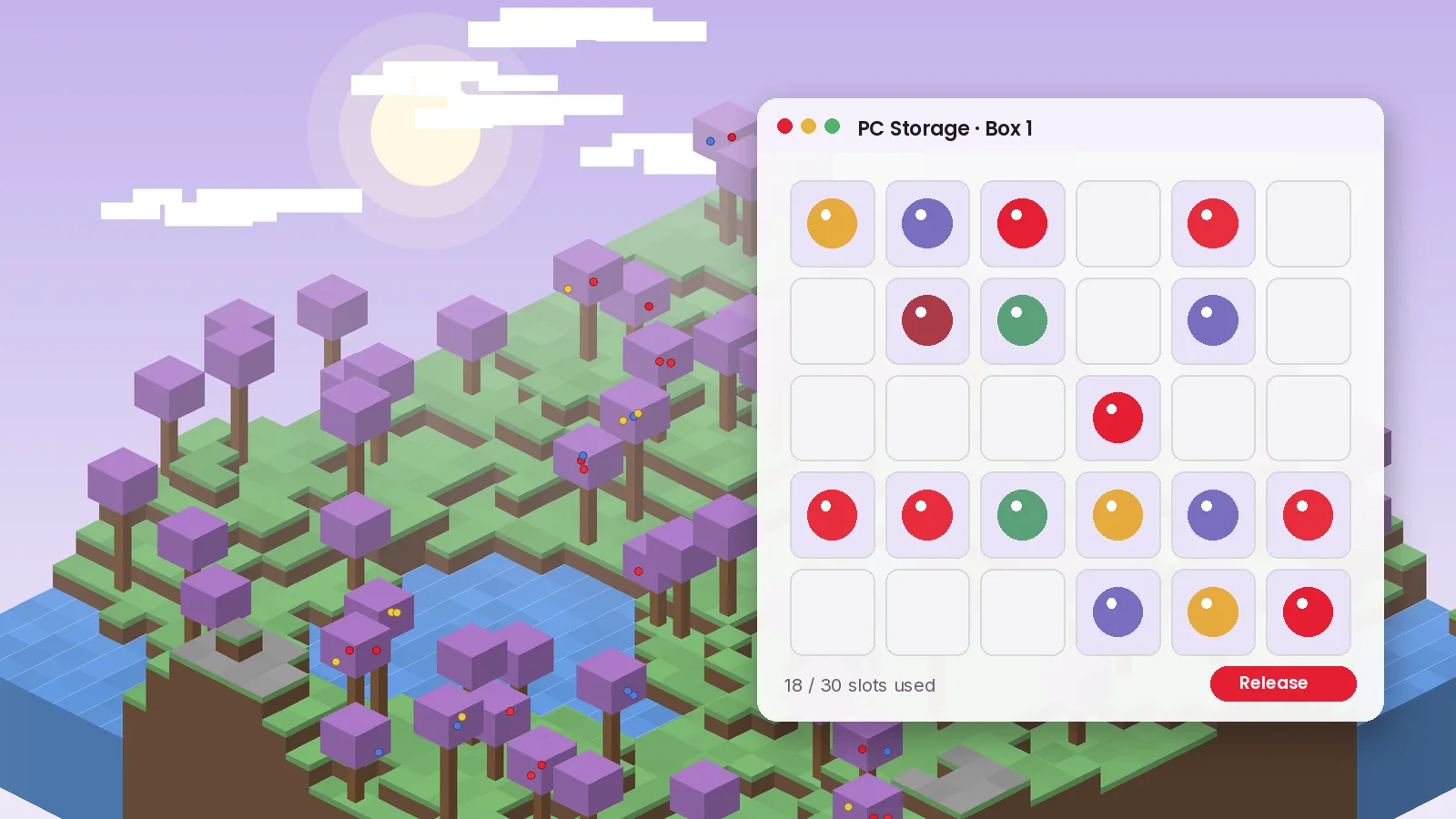
Keep six Pokémon in your party and store the rest in PC boxes you can organize, rename and decorate with wallpapers.
The 1.8 update adds tougher Alpha Pokémon and Habitats that tie spawns to real places, giving explorers clear goals.
Teach moves with TMs to build the team you want instead of settling for level-up movesets.
Grow apricorn trees and berries for crafting, healing and snacks that attract specific Pokémon to your base.
Trade and battle friends on a shared server. Client and server run the same files, so setup stays simple.
Server owners can tune spawns, add content and adjust balance through datapacks and config files.
Cobblemon adds many animated models, so it asks a little more than vanilla Minecraft. These specs assume Minecraft Java 1.21.1.
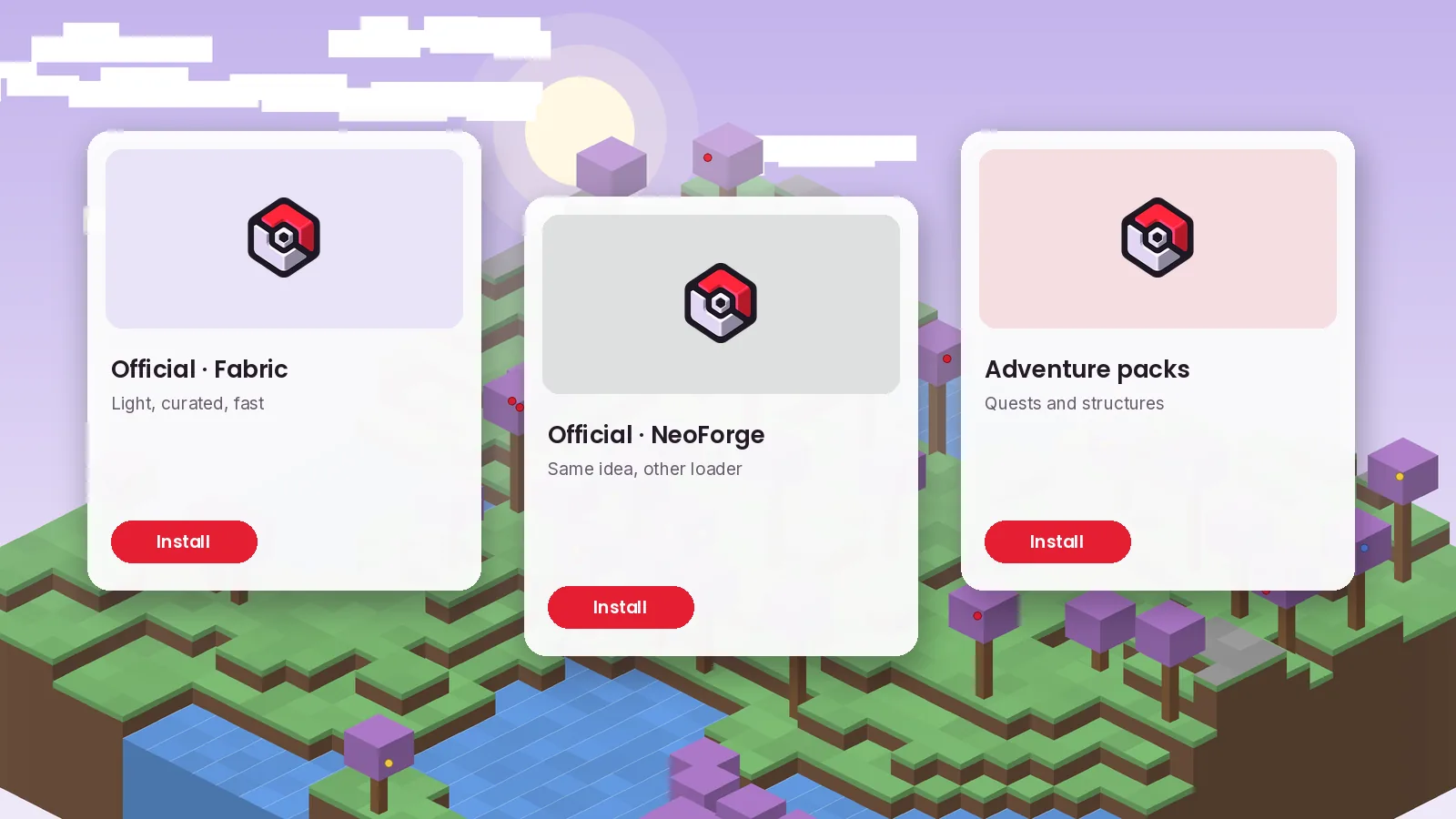
Get Cobblemon 1.8.1 for Fabric or NeoForge. Pick the build that matches your mod loader, then add its required library.
 Cobblemon 1.8.1
listed per file on ModrinthReleased September 12, 2026. Update both Cobblemon and its library together to avoid crashes.
Files mirror the official releases published by CobbledStudios. Always compare the SHA-256 hash with the one shown on the Modrinth version page.
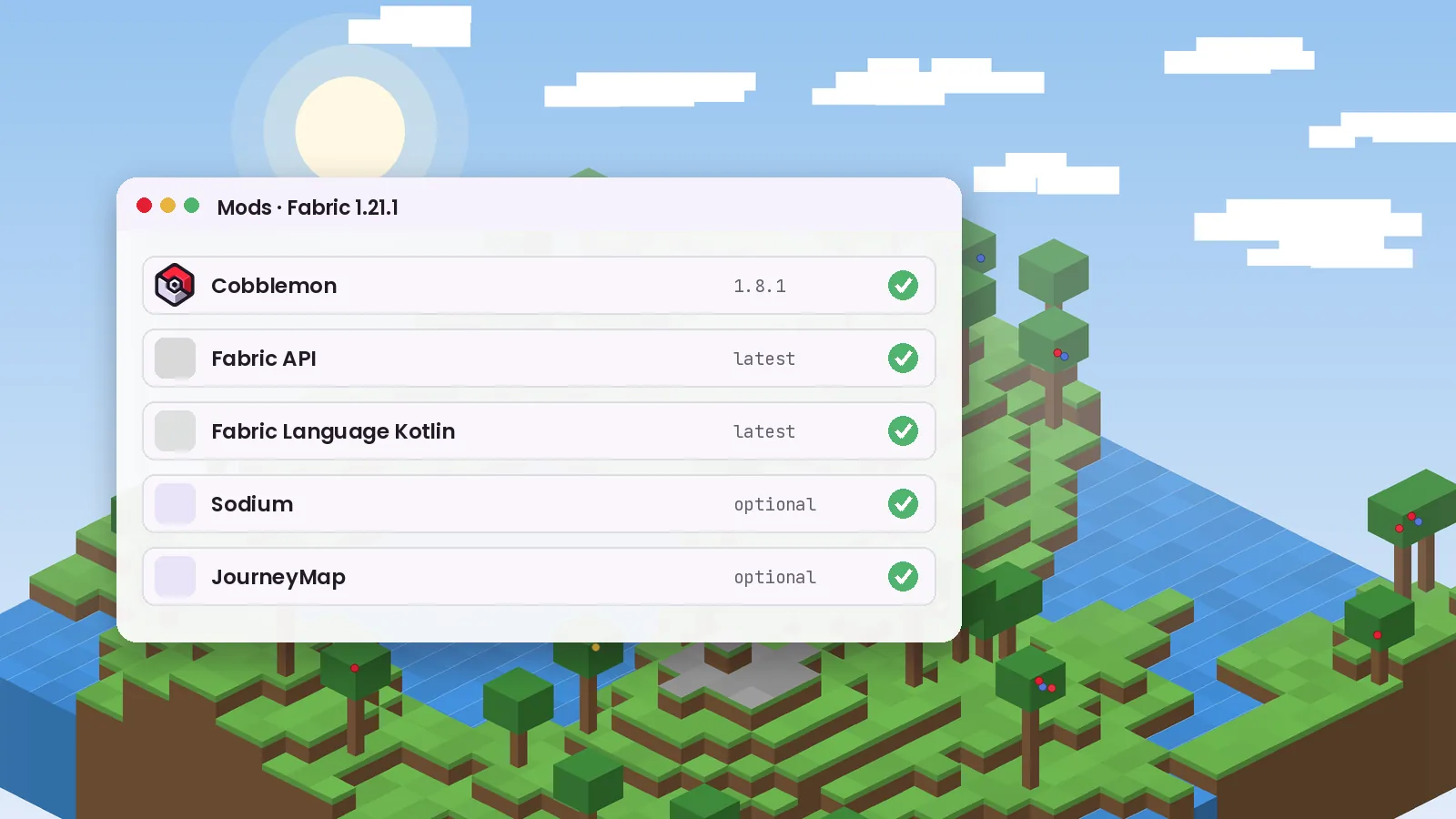
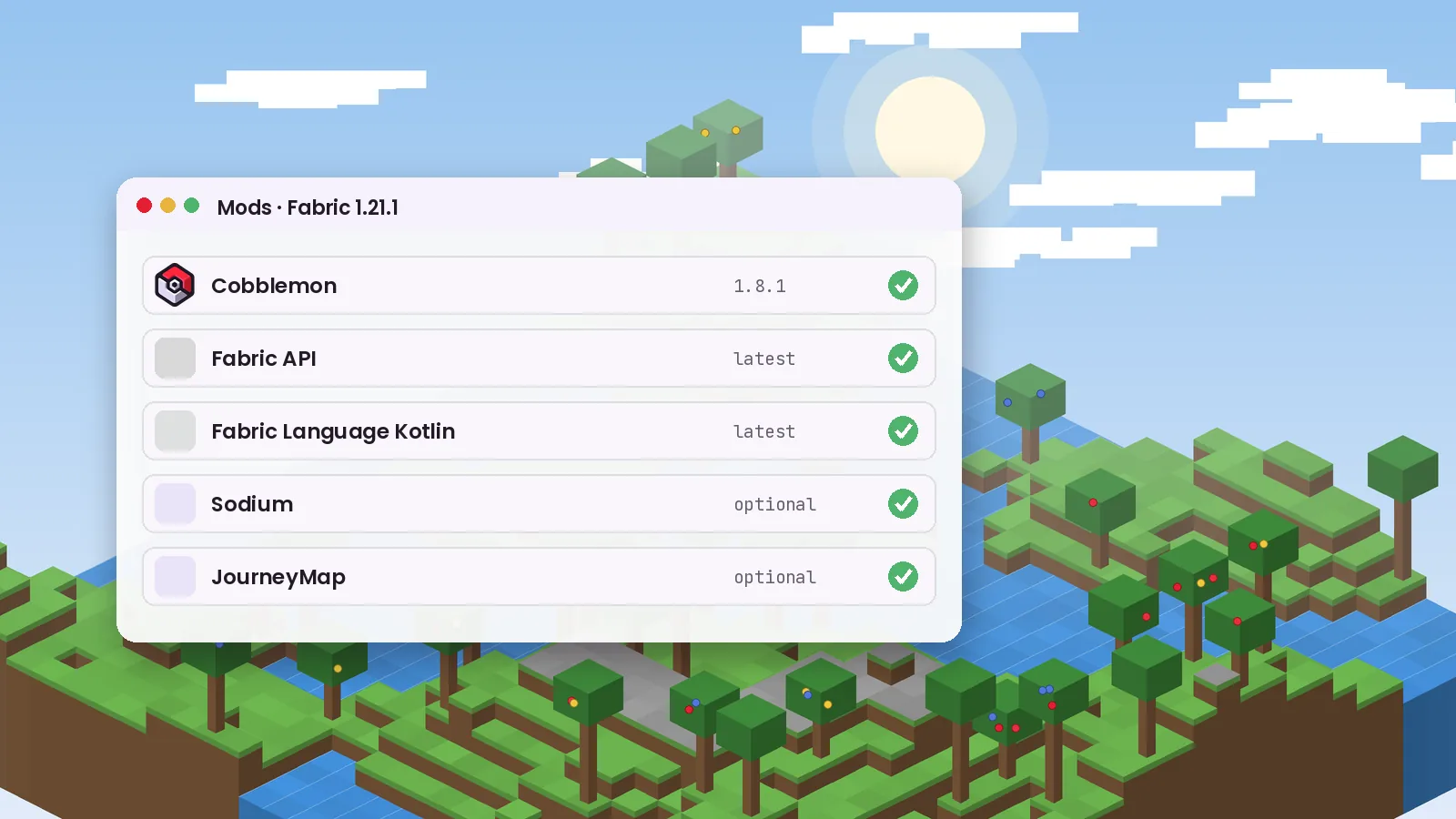
Fabric needs Fabric API and Fabric Language Kotlin. NeoForge needs Kotlin for Forge. See the installation guide.
Step-by-step setup for every platform. Choose your system below and follow the steps in order.
From your first starter to competitive teams, here is how to get the most out of the mod.
Default bindings can change between versions. Check Options, Controls, Key Binds, Cobblemon.
Plant apricorn trees next to your base for a steady supply of balls. Keep one land, one water and one flying mount in your party so no coastline or cliff slows you down. Night and rain change which Pokémon appear, so revisit favorite biomes at different times. When a battle goes badly, switching out is often smarter than pressing on.
Cobblemon hooks into Minecraft through a mod loader, then layers creatures, battles and storage on top of normal survival play.
Fabric or NeoForge lets Minecraft load mods.
The mod and its Kotlin library start with the game.
Pokémon appear by biome, time and weather.
Turn-based fights, then a thrown Poké Ball.
Party, PC, pastures and riding.
Where Cobblemon runs, which loaders it supports, and how it works with popular companion mods.
| Platform or integration | Status | Launcher or requirement | Notes |
|---|---|---|---|
| Windows 10 / 11 | Supported | Official launcher, Prism, CurseForge App | Best overall performance |
| macOS (Intel & Apple silicon) | Supported | Official launcher, Prism | Native on Apple silicon |
| Linux | Supported | Official launcher, Prism | Java 21 required |
| Android | Unofficial | Java Edition launchers | Needs Java Edition account |
| iOS / iPadOS | Unofficial | Java Edition launchers | JIT setup required |
| Bedrock / Pocket Edition | Not supported | None | Java-only mod |
| Fabric loader | Supported | Fabric API + Fabric Language Kotlin | Largest add-on ecosystem |
| NeoForge loader | Supported | Kotlin for Forge | Great for big modpacks |
| Sodium, JourneyMap, EMI | Works well | Optional mods | Keep versions updated |
An honest look at what Cobblemon does brilliantly and where it asks for patience.
Cobblemon fits very different players, from first-time modders to developers building their own add-ons.
Learn type matchups, planning and resource management, or study an open-source Kotlin codebase.
A long-term adventure with collecting, battling and exploring layered onto survival.
Build add-ons, datapacks and integrations on a well-documented, open-source mod.
Run a community server with trading, gyms and events that keep players returning.
Explore game design, modding communities and player behavior in a popular modern mod.
Nuzlockes, challenge runs and build showcases make strong video and stream series.
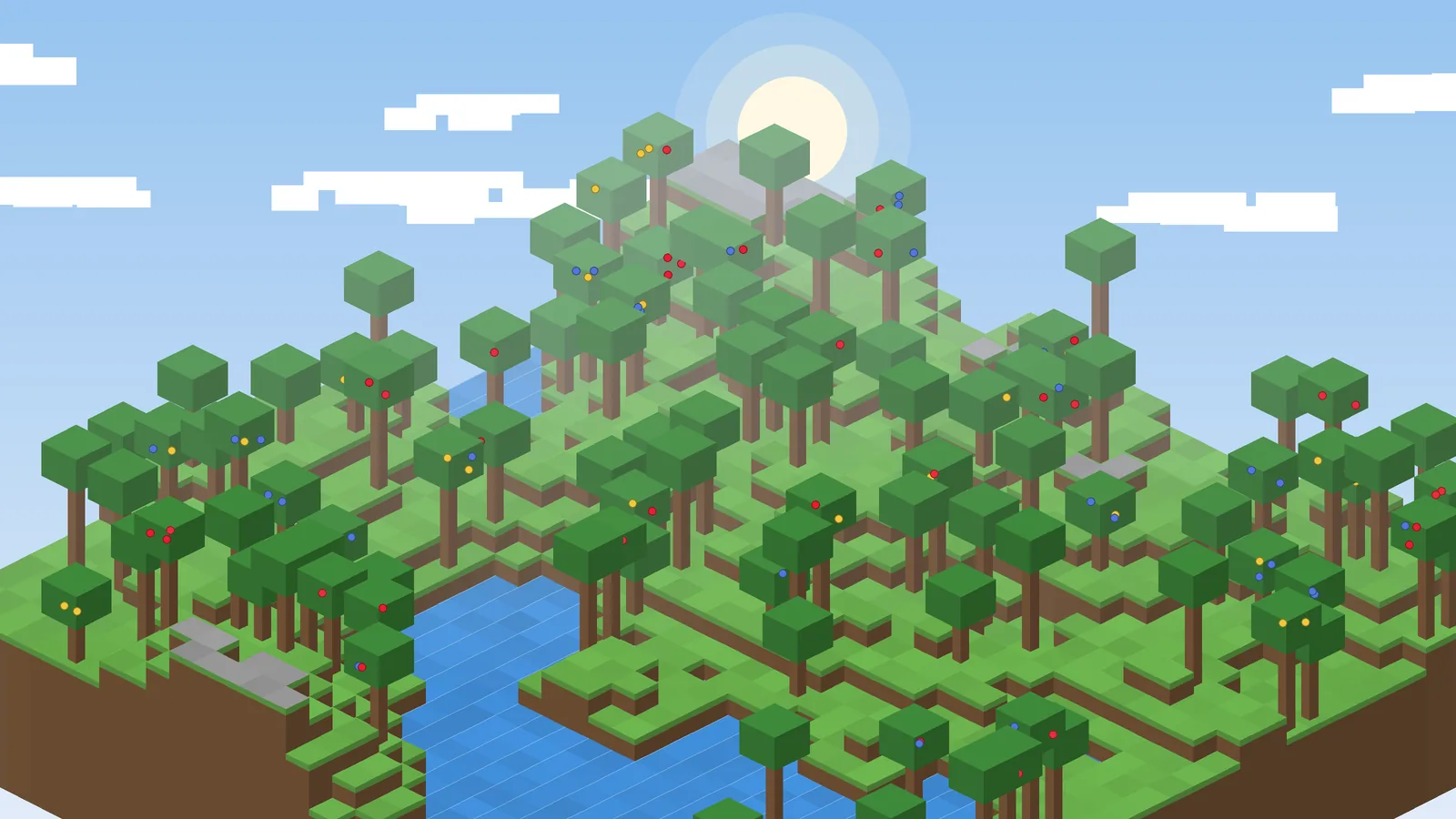
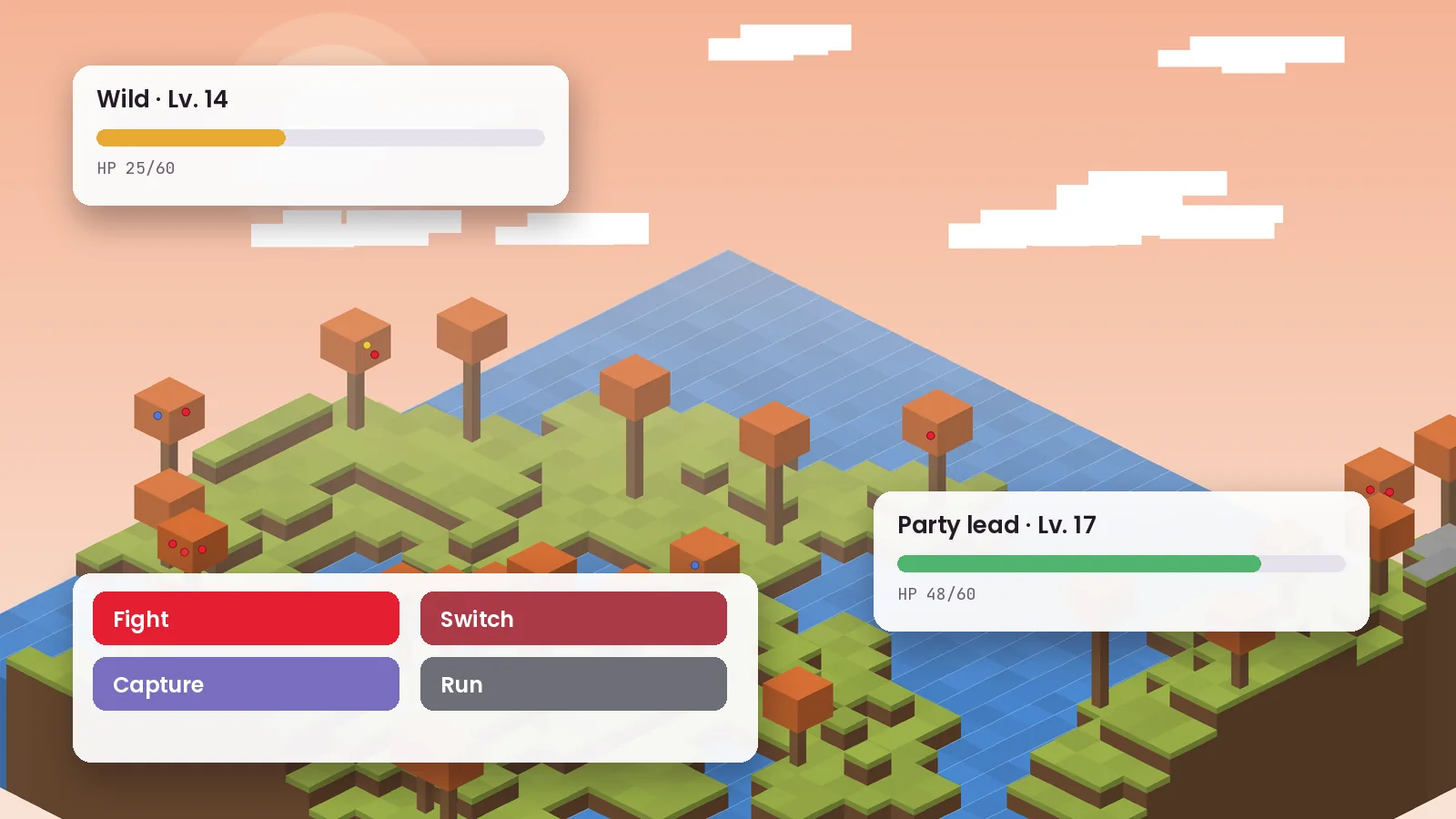
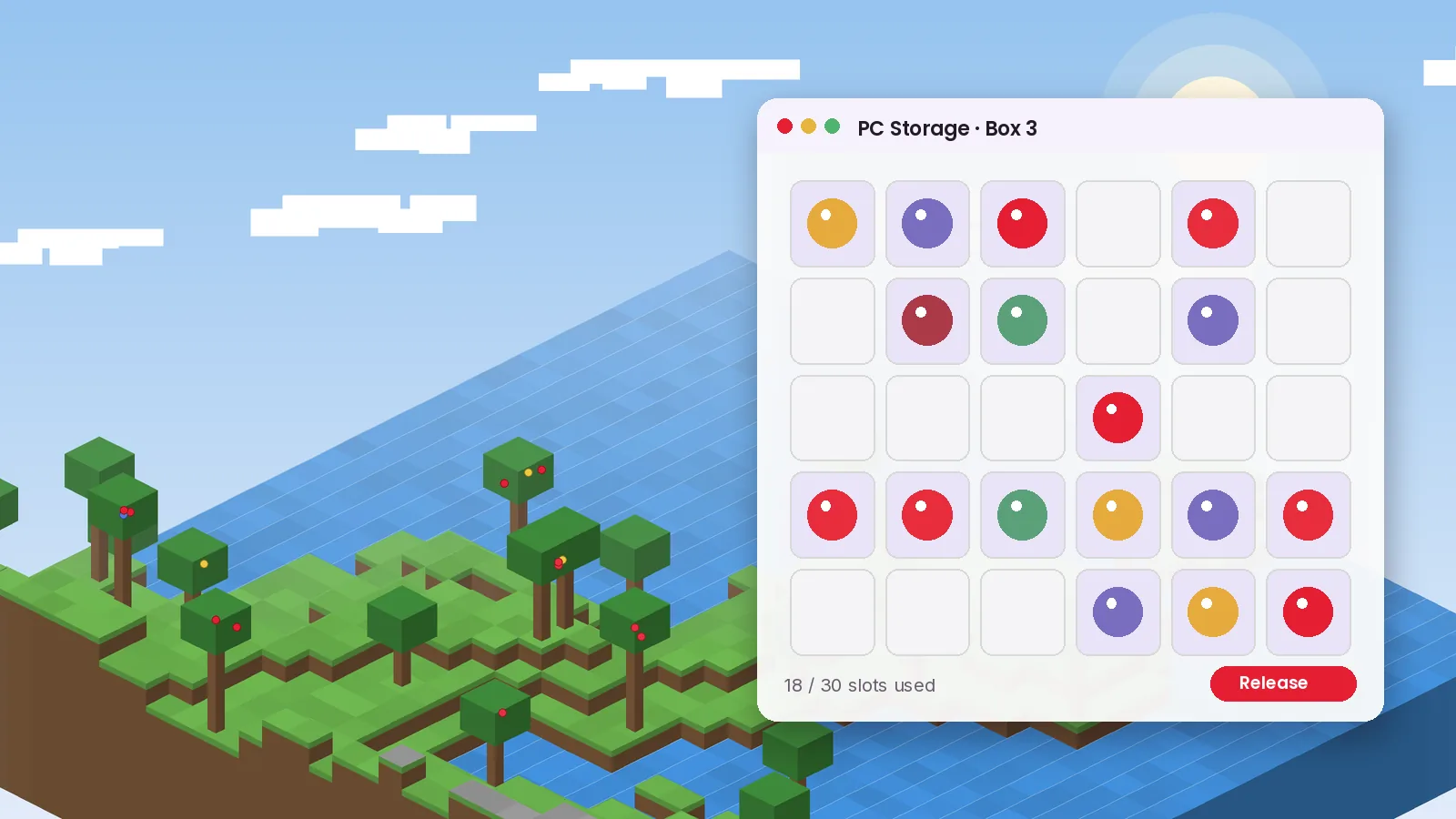
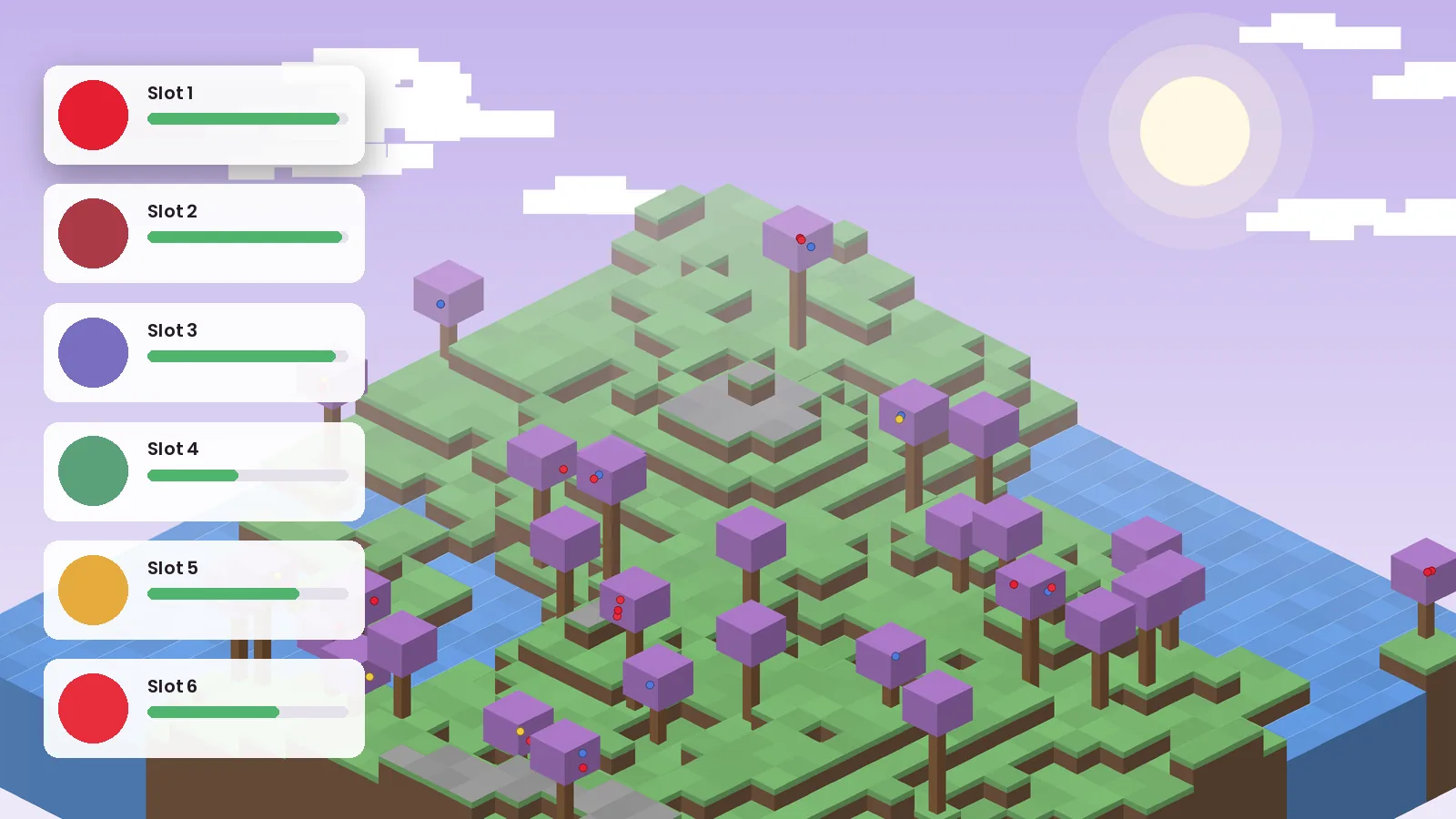
A look at exploring, battling, storage and riding. Select any image to view it larger.
Common errors, what the log says, and the fix. Most problems come down to versions, loaders or memory.
requires fabric-language-kotlin, which is missing
Add Fabric Language Kotlin (Fabric) or Kotlin for Forge (NeoForge) to your mods folder.
Incompatible mods found! cobblemon requires minecraft 1.21.1
Cobblemon 1.8.x runs on 1.21.1 only. Switch your profile to 1.21.1 or use an older Cobblemon build.
Mod file is a Fabric mod, not NeoForge
Delete the jar and download the build that matches your loader.
UnsupportedClassVersionError
Minecraft 1.21.1 needs Java 21. Point your launcher to Java 21.
java.lang.OutOfMemoryError: Java heap space
Allocate 4–6 GB, install Sodium on Fabric and lower render distance.
Mixin apply failed / NoSuchMethodError
Wait for the add-on to update, or roll back Cobblemon to the last compatible version.
After big updates, some add-ons and shader packs lag behind for a few days. Performance mods occasionally need updates too. Check each mod's page before updating a large pack.
Use Sodium on Fabric, keep render distance at 8–12 chunks, avoid allocating more than half your system RAM, and close browser tabs while playing. The crash guide covers more.
Is Cobblemon safe? The mod itself is open source and widely used, but where you download it matters.
Yes, when downloaded from official sources. Cobblemon is open source, so anyone can review its code. Avoid repackaged files, "APK" versions and installers that bundle extra software.
None beyond Minecraft itself. Cobblemon is a .jar mod that runs inside the game. It does not install system services or request device permissions.
The mod works offline in single-player. Multiplayer data stays on the server you join. This website uses minimal analytics described in our privacy policy.
Versioned releases, public source, and official hosting on Modrinth and CurseForge. Compare file hashes before installing on a server.
How Cobblemon compares with other Pokémon-style options for Minecraft. Ratings reflect our editorial view.
| Software | Price | License | OS support | Features | Rating | Pros | Cons |
|---|---|---|---|---|---|---|---|
| Cobblemon | Free | MPL-2.0 | Java: Win, Mac, Linux | Riding, Alphas, TMs, Habitats | ★ 4.7 | Modern, polished, fast updates | Java only |
| Pixelmon | Free | Proprietary | Java: Win, Mac, Linux | Huge Pokédex, long history | ★ 4.5 | Mature and feature-rich | Fewer loader choices |
| Pokecube AIO | Free | Open source | Java: Win, Mac, Linux | Broad feature set, flexible | ★ 4.0 | Lightweight option | Smaller community |
| Bedrock add-ons | Varies | Varies | Bedrock, Android, iOS | Creature packs | ★ 3.5 | Run on phones and consoles | Not Cobblemon, limited systems |
Impressions from different kinds of Cobblemon players, from solo explorers to server owners.
I had drifted away from survival worlds. Cobblemon gave every biome a purpose, and riding across the map in 1.8 feels amazing. The official Fabric pack installed in minutes.
We run a small community server and switched to Cobblemon last year. Trading and gym events keep people logging in. Datapack support makes spawn tuning easy.
My kids and I share a world. It takes a bit of setup, and our older laptop needed more memory, but it has been our favorite weekend activity.
I write small add-ons and the open-source code is easy to follow. Updates can break things, but the changelogs are detailed and honest.
Nuzlocke runs in Cobblemon make fantastic videos. The animations look good on stream and the Alpha Pokémon in 1.8 add real tension.
On 8 GB it was sluggish in busy areas. With Sodium and 6 GB allocated it runs smoothly. Just back up your world before updating.
Straight answers to the questions players ask most about downloading, installing and running Cobblemon.
Yes. Cobblemon is completely free and released under the open-source MPL-2.0 license. You never need to pay for the mod itself. You do need a legitimate copy of Minecraft Java Edition to play it. If a website asks for payment, a survey or an unlock code before giving you the file, leave it and use the official download links instead.
Use the download buttons on this site, which point to the official release files, or the official Modrinth and CurseForge project pages published by CobbledStudios. These sources provide the genuine jar files with version details and changelogs. Avoid re-uploads on unknown file hosts, especially ones that wrap the mod inside an installer or ask you to disable antivirus protection.
Cobblemon 1.8.1 supports Minecraft Java Edition 1.21.1 on both Fabric and NeoForge. Older Cobblemon versions exist for 1.20.1 and 1.19.2, but they miss newer features such as riding, Alpha Pokémon and TMs. For the best experience and ongoing fixes, run 1.21.1 with the latest Cobblemon release.
Both work well. Fabric is the more popular choice among Cobblemon players and has the most downloaded official modpack. NeoForge suits players who want to combine Cobblemon with NeoForge-only mods or large tech packs. Pick the loader your friends or server use, because every player must match the server exactly.
Install Fabric or NeoForge for Minecraft 1.21.1, launch the profile once, then place the Cobblemon jar in your mods folder with its required library: Fabric API and Fabric Language Kotlin on Fabric, or Kotlin for Forge on NeoForge. Start the loader profile and confirm Cobblemon appears in the Mods menu.
No official version exists. Cobblemon is built for Java Edition only because Bedrock does not allow the same kind of code mods. Bedrock add-ons with similar names are unrelated fan projects. Android players who own Java Edition can run the real mod through a Java Edition launcher, with some performance limits.
No. Cobblemon is not an Android app, so any file sold or shared as a Cobblemon APK is not the genuine mod. These files are often repackaged clients or adware. If you want Cobblemon on Android, use a trusted Java Edition launcher and install the official Fabric jar files inside it.
For most players the Cobblemon Official Modpack is the best starting point. It is curated by the Cobblemon team, stays close to the intended experience and updates quickly after releases. Once you know what you enjoy, larger packs like Cobblemon Eternal add structures and progression. Our modpack guide compares the options in more detail.
Yes. Host a Fabric or NeoForge server with Cobblemon and its libraries, or rent a game server that supports mod loaders. Every player needs the same Cobblemon version as the server. You can trade Pokémon, battle each other and explore together, and datapacks let you customize spawns for your group.
Cobblemon is safe when downloaded from official sources. Its source code is public, it has tens of millions of downloads, and it runs inside Minecraft without installing system software. As with any download, keep your antivirus active, check the file name matches the version you expected, and compare the hash listed on Modrinth.
The mod does not need an account of its own and works offline in single-player worlds. When you join a multiplayer server, that server stores your world data like any Minecraft server does. This website only uses minimal, privacy-friendly analytics, which our privacy and cookie policies describe in plain language.
Cobblemon is licensed under the Mozilla Public License 2.0. You can play it, include it in modpacks and study its code. If you modify and redistribute its source files, those changes must stay under MPL-2.0. Pokémon names and designs belong to their respective owners, and Cobblemon is an independent fan project.
Generally yes. The MPL-2.0 license and the platform settings on Modrinth and CurseForge allow Cobblemon to be included in public modpacks. Link to the official project rather than re-uploading files wherever possible, and credit the Cobblemon team. Always check the current distribution settings on the official page before publishing.
Cobblemon ships large feature updates a few times a year, followed by smaller patch releases that fix bugs. For example, 1.8.0 arrived on September 6, 2026 and 1.8.1 followed six days later. Subscribe to our update alerts to hear about new versions and which add-ons are compatible.
Updates are designed to keep worlds working, but major releases can affect add-ons and custom datapacks. Always copy your saves folder before updating, update Cobblemon and its Kotlin library together, and wait for your key add-ons to update. On servers, update the server first and then every player.
The most common causes are a missing Kotlin library, a Cobblemon build for the wrong Minecraft version, a Fabric jar on NeoForge or the reverse, an old Java version, or not enough memory. Open logs/latest.log and search for the word requires or error. Our troubleshooting guide matches each message to a fix.
Allocate at least 4 GB for Cobblemon on its own and 6 GB for larger modpacks. Your computer should have 8 GB or more in total, with 16 GB recommended. Avoid giving Minecraft more than about half your system memory, because the operating system and Java itself also need room to work smoothly.
Pixelmon is the long-running alternative with a large feature set, and Pokecube AIO is a lighter open-source option. Bedrock players can try creature add-ons, though they are not comparable in depth. For most Java players today, Cobblemon offers the smoothest animations and the most active development of the three.
Fresh walkthroughs, update breakdowns and fixes from our editorial team.
A clean, start-to-finish install of Cobblemon 1.8.1 on Fabric or NeoForge, with the two library mods most people forget.
Searching for a Cobblemon APK or Bedrock download? Here is what actually exists, what is fan-made, and what to avoid.
From the lightweight official pack to bigger adventure builds, these are the Cobblemon modpacks worth your time this year.
Questions about this site, a broken link or a correction? Reach our team using the details below.
For bugs in the mod itself, report them on the official Cobblemon issue tracker. We are a fan site and cannot fix the mod.
One short email when a new version lands, with the exact files and add-ons that are compatible.