Guides
Install Cobblemon on Java
A clean, start-to-finish install of Cobblemon 1.8.1 on Fabric or NeoForge, with the two library mods most people forget.
 Cobblemon Mod Editorial Team
7 min read
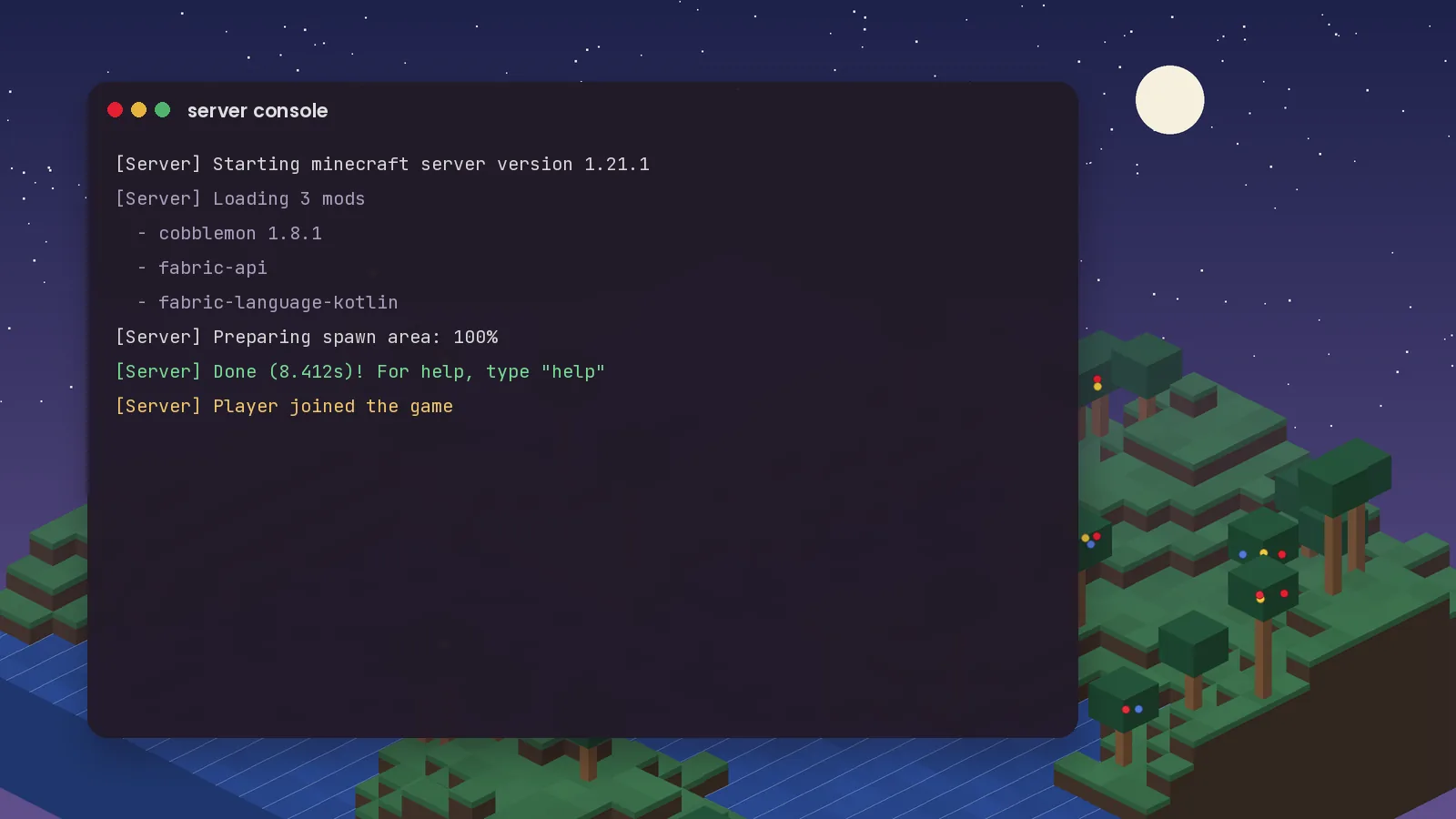
Cobblemon is at its best with friends: trading, battling and exploring the same world. Running your own server is easier than it looks. This guide uses Fabric on Minecraft 1.21.1, but the NeoForge process follows the same logic.
Download the Fabric server launcher for 1.21.1 from fabricmc.net and place it in an empty folder. Run it once. It will create a eula.txt file and stop.
Open eula.txt, change eula=false to eula=true, and save.
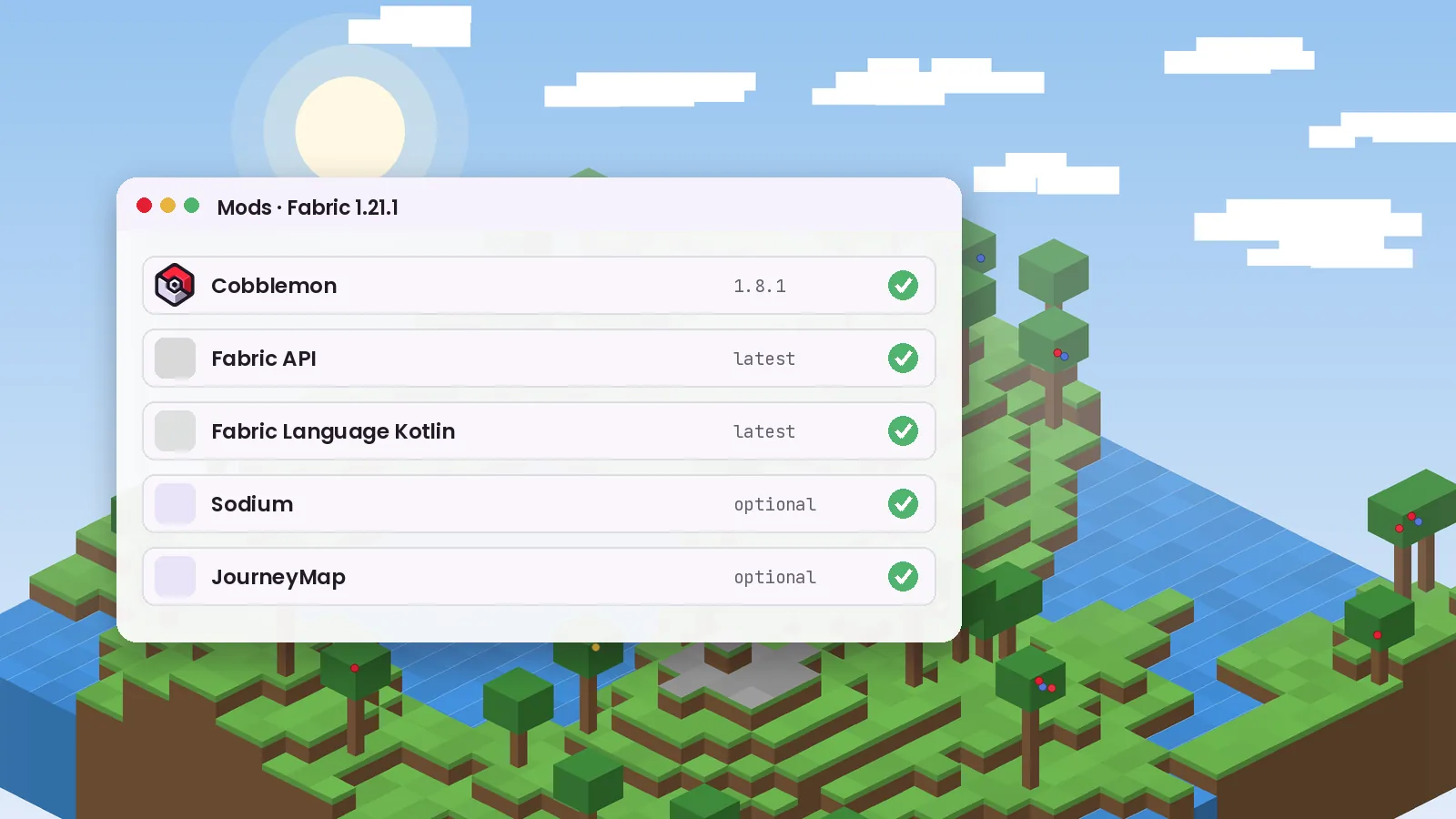
Put Cobblemon (Fabric), Fabric API and Fabric Language Kotlin into the server's mods folder. These are the same files players use. Client-only mods such as shader loaders or minimaps should not go on the server.
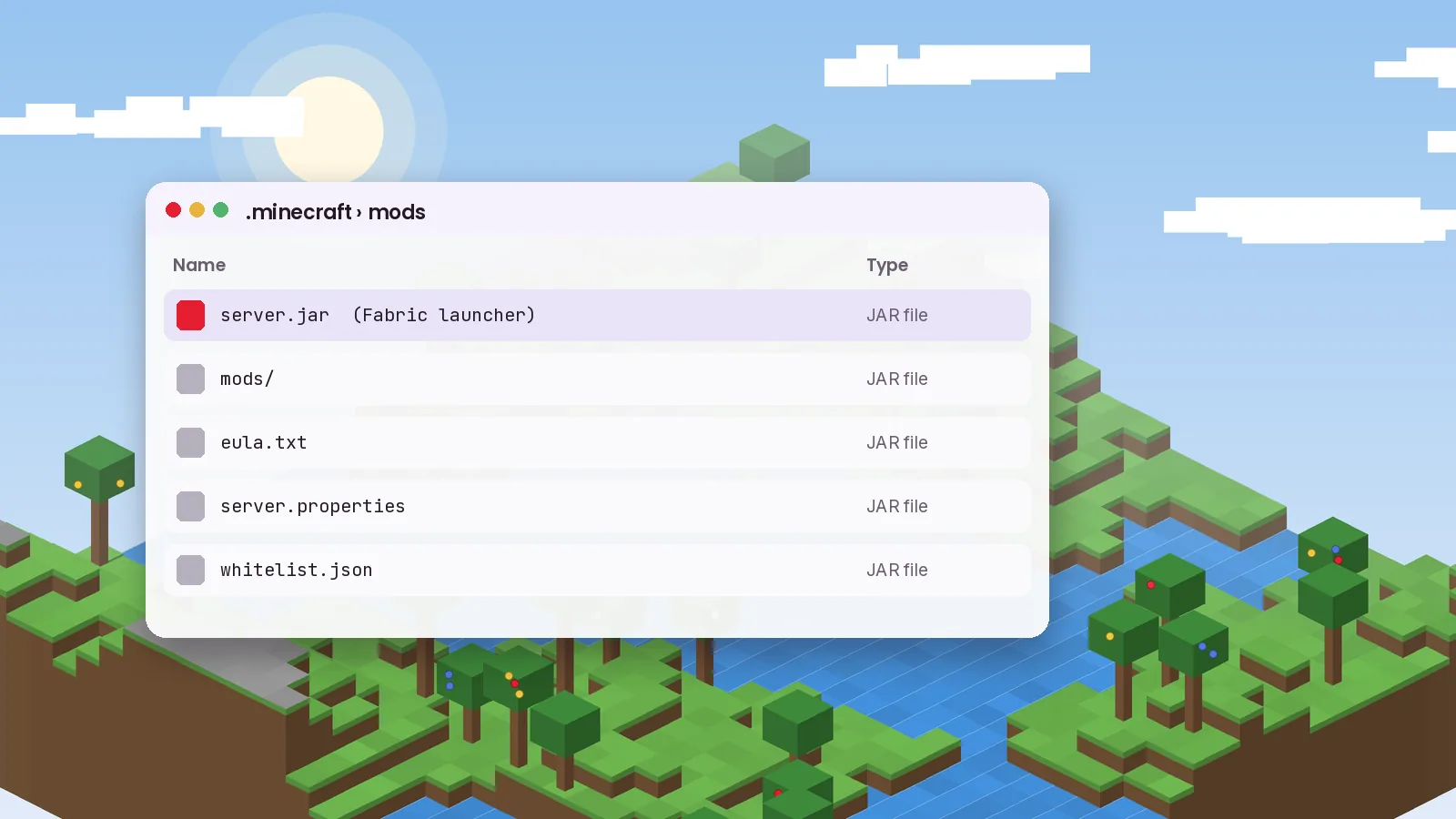
Create a start script with a command like java -Xms4G -Xmx4G -jar server.jar nogui. Using the same value for both flags avoids memory resizing pauses.
For local play, friends on your network can join with your local IP address. For remote friends, forward TCP port 25565 on your router to the server machine, or use a hosting provider that handles this for you. Turn on the whitelist in server.properties and add players with /whitelist add name.
Every player must run the exact same Cobblemon version as the server. The easiest way is to share a small modpack or a list of files and versions. When you update the server, tell players before they join.
world folder daily. Cobblemon data lives inside it.view-distance to 8 if the server struggles.Want a ready-made mod list? See our modpack roundup. If the server crashes on start, the troubleshooting guide explains how to read the log.
Keep reading with these hand-picked guides from the same topic.
A clean, start-to-finish install of Cobblemon 1.8.1 on Fabric or NeoForge, with the two library mods most people forget.
Searching for a Cobblemon APK or Bedrock download? Here is what actually exists, what is fan-made, and what to avoid.
From the lightweight official pack to bigger adventure builds, these are the Cobblemon modpacks worth your time this year.
Download Cobblemon 1.8.1 for Fabric or NeoForge and follow our guide.