Gameplay
Cobblemon Beginner Guide
Starter choice, apricorns, Poké Balls, healing and the PC. Everything you need for a strong first session.
 Cobblemon Mod Editorial Team
5 min read
Riding arrived with the 1.7 "Set Course!" update and quickly became one of Cobblemon's favorite features. Instead of walking everywhere or relying on horses, you can travel on the backs of your own Pokémon across land, water and sky. This guide covers how it works and how to get the most out of it.
Only species that the team has set up as rideable can carry you. The list grows with updates. For example, the 1.7.2 patch added Honchkrow and Mantine as new mounts. A quick way to check is to interact with a Pokémon in your party while it is sent out. If riding is possible, the option appears.
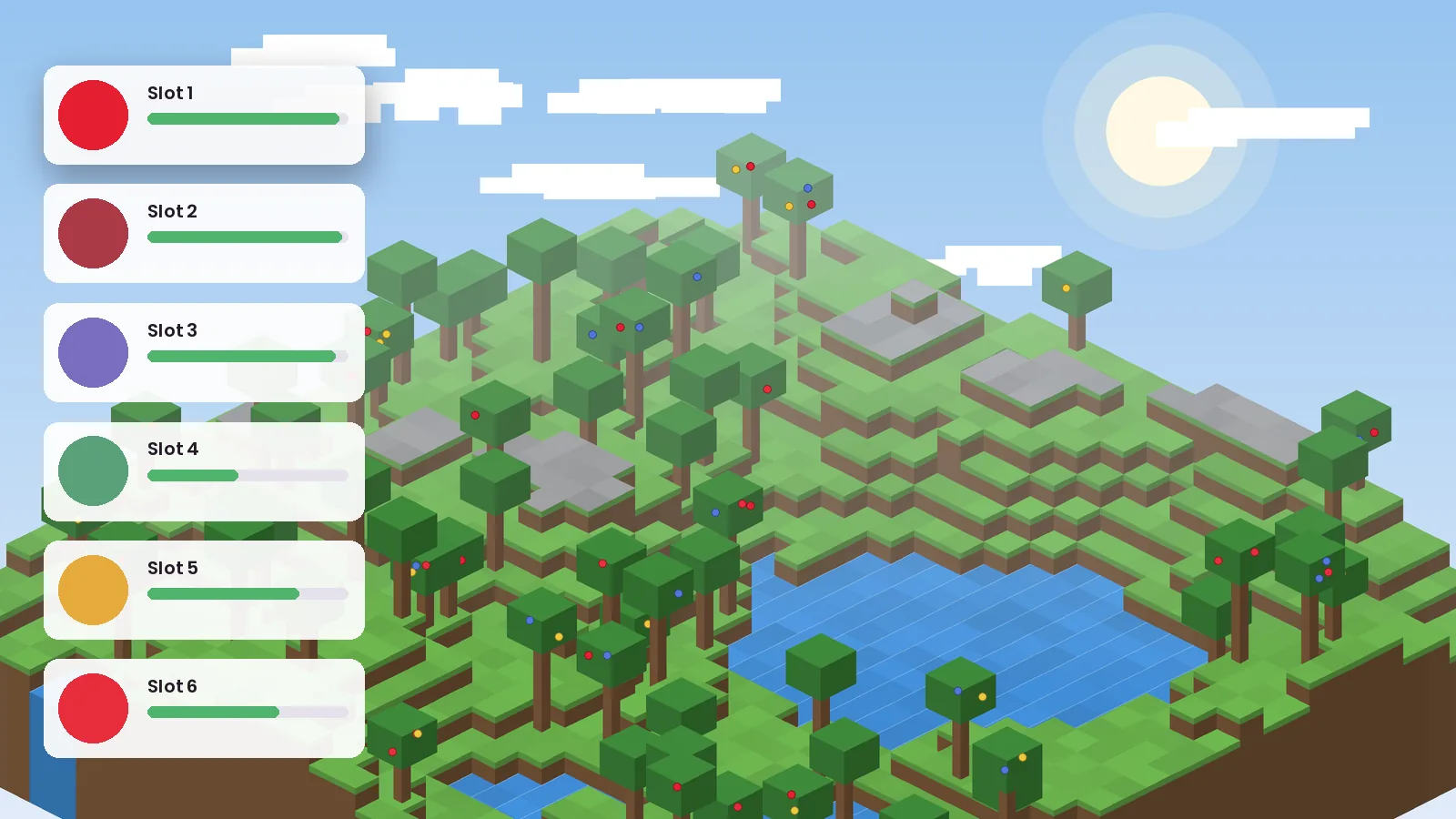
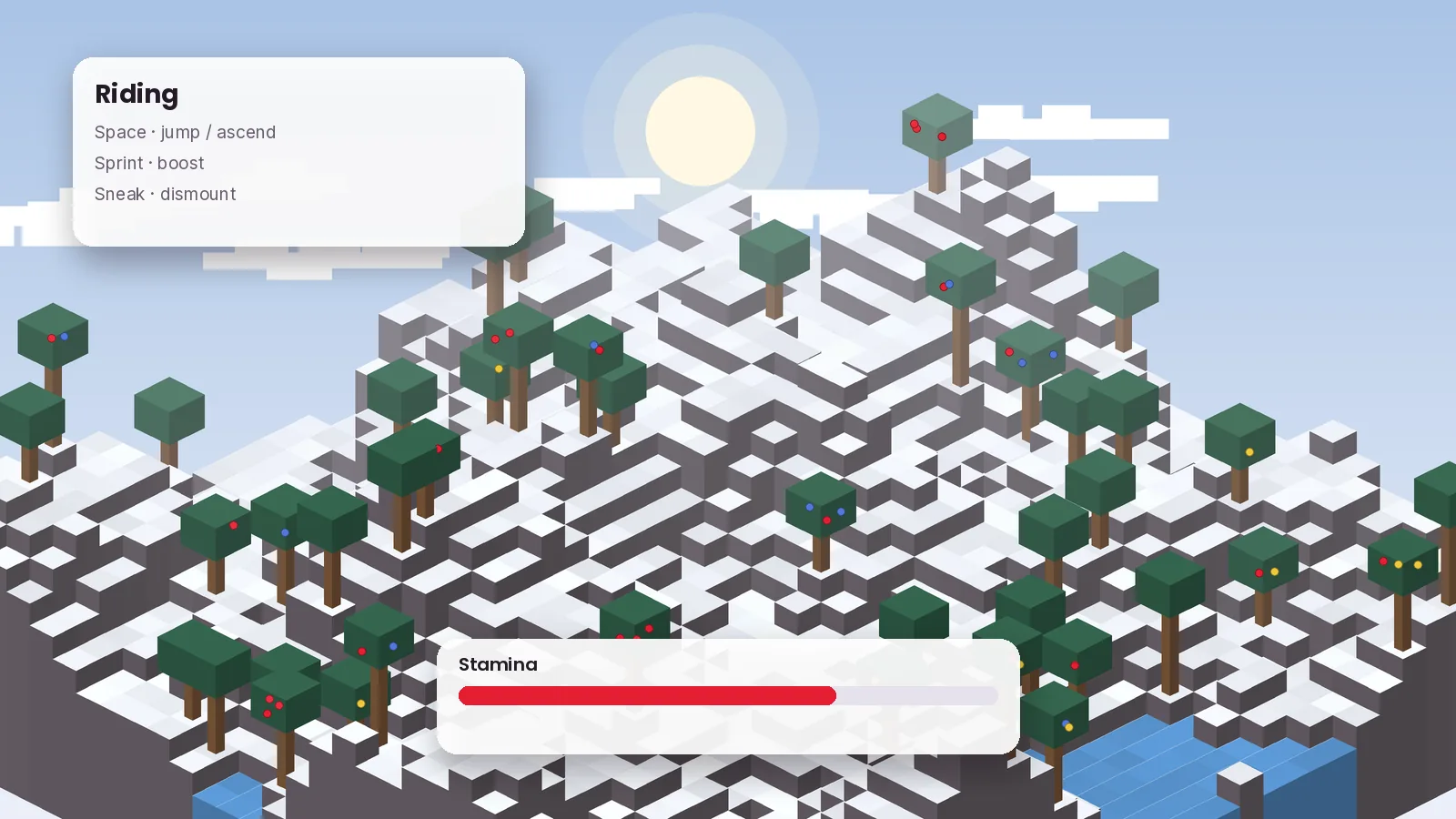
Mounts use stamina for faster movement. Sprinting drains it, and resting refills it. A mount's stats influence how it handles, so a well-trained Pokémon feels noticeably better to ride than a freshly caught one. Plan long journeys around short breaks rather than trying to sprint the whole way.
Riding uses Minecraft's familiar movement keys. Jump and sprint behave differently depending on the mount type, and sneak dismounts. Because controls can change between versions, open Options → Controls → Key Binds and look at the Cobblemon section to see exactly what your version uses.
New to the mod? Start with our beginner guide, then come back here once you have a few party members. Full feature details are on the features page.
Keep reading with these hand-picked guides from the same topic.
Starter choice, apricorns, Poké Balls, healing and the PC. Everything you need for a strong first session.
A clean, start-to-finish install of Cobblemon 1.8.1 on Fabric or NeoForge, with the two library mods most people forget.
Searching for a Cobblemon APK or Bedrock download? Here is what actually exists, what is fan-made, and what to avoid.
Download Cobblemon 1.8.1 for Fabric or NeoForge and follow our guide.